

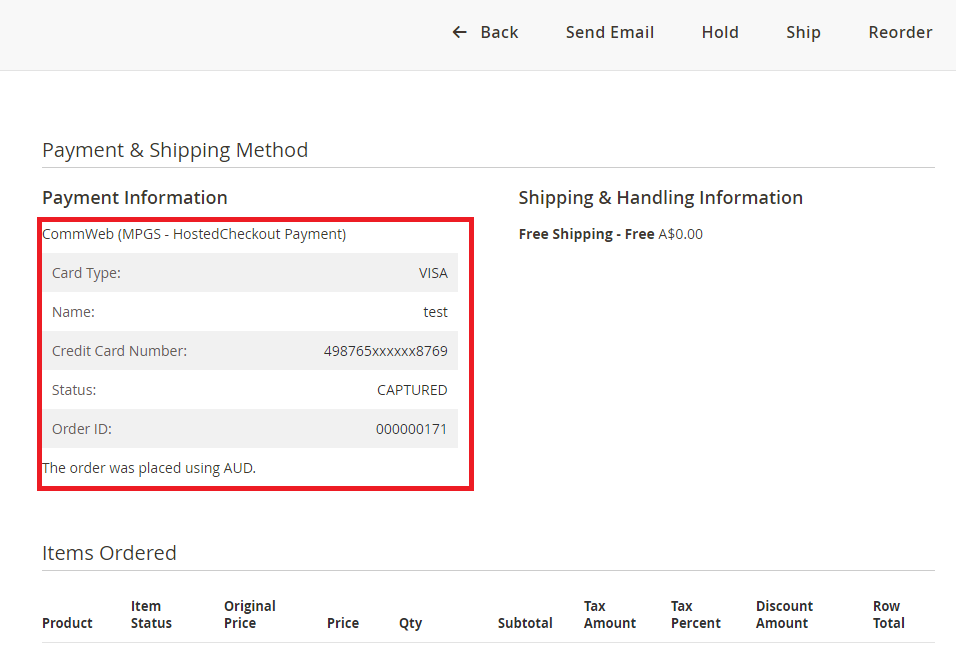


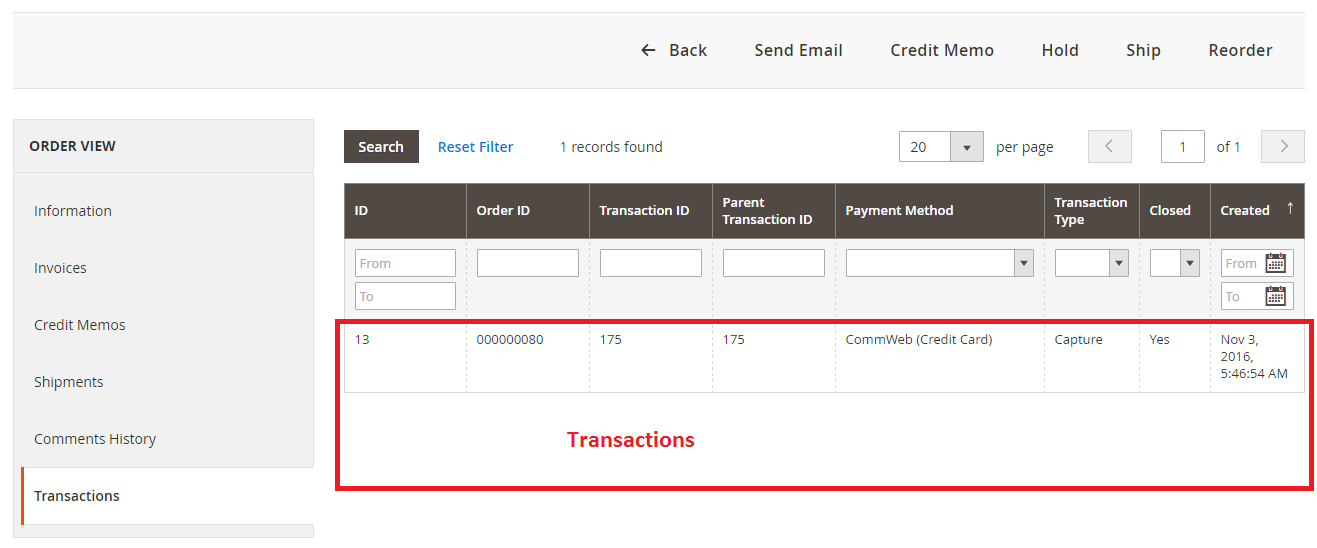
- Flexible Integration Options: Choose between Direct Payment to keep customers on your site for a seamless experience, or Hosted Checkout to leverage Commonwealth Bank’s secure payment form.
- Advanced Fraud Protection: Stay compliant and secure with integrated support for 3D Secure V1 and V2 (EMV 3DS), reducing the risk of unauthorized transactions.
- Comprehensive Card Acceptance: Easily process Visa and MasterCard by default, with the option to enable American Express, Diners Club, and JCB through your CommWeb account.
- Streamlined Financial Management: Save time with automatic invoice creation and the ability to process online refunds directly from your Magento admin panel.
- Global and Local Support: Fully optimized for the Australian market with support for multiple currencies, multiple websites, and unlimited store views.
- High-Level Security: Ensures sensitive payment credentials are fully encrypted and supports SSL certificates to protect both merchant and customer data.
Commonwealth Bank (CommWeb MPGS) - Magento 2
60 Sold Item(s)
Screenshots
Key Benefits
Overview
Commonwealth Bank (Commweb MPGS) - Magento 2 allows you to use CommWeb as a credit card processor through their fully integrated API. By default, this extension supports Visa and MasterCard payments. You can also enable support for American Express, Diners Club, and JCB, which requires additional activation by the Commonwealth Bank.
How to use this extension
CommWeb Payment is a payment service provided by the Commonwealth Bank of Australia that facilitates the payment process of shoppers.
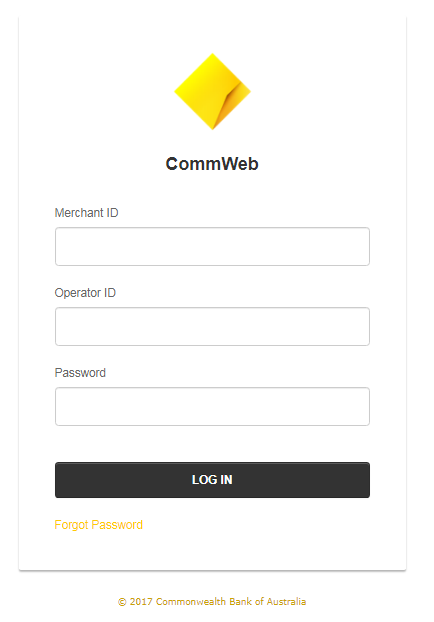
To use this extension, you must have a CommWeb merchant account and the necessary login credentials including the Merchant ID, Operator ID, and Password to access the Merchant Administration (MA) portal
Payment Integration Options
The CommWeb MPGS extension integrates two payment methods, which will be available in the Magento admin panel once the installation is complete:
-
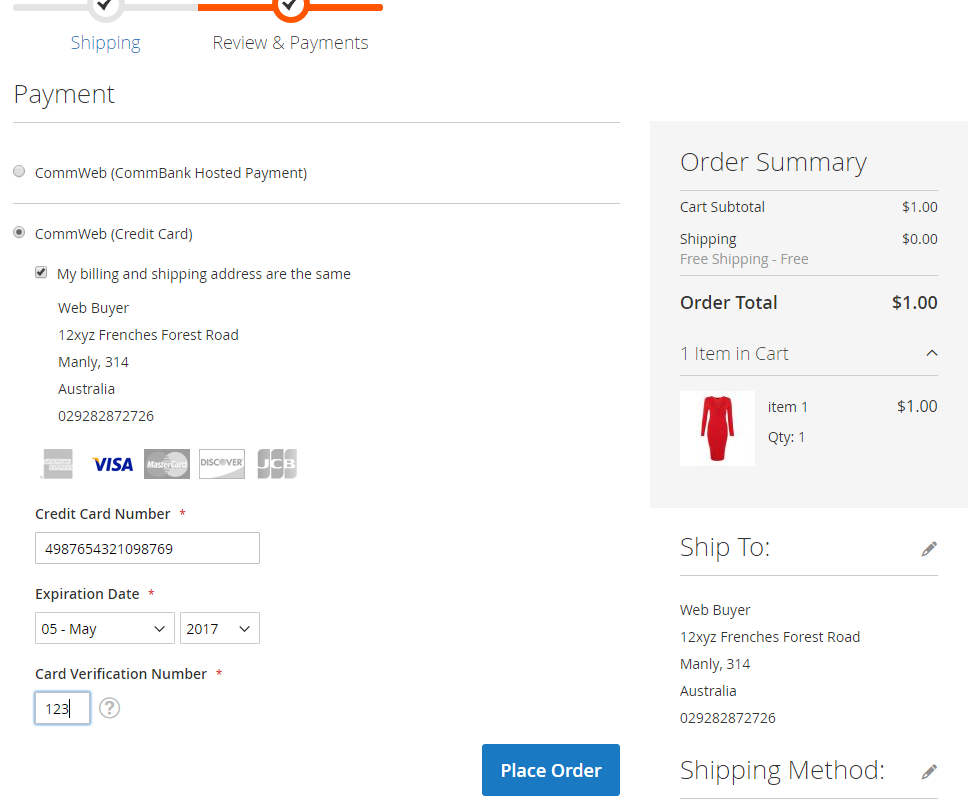
CommWeb (Direct Payment):
Keep your customers on your site throughout the entire checkout process, providing a seamless payment experience. -
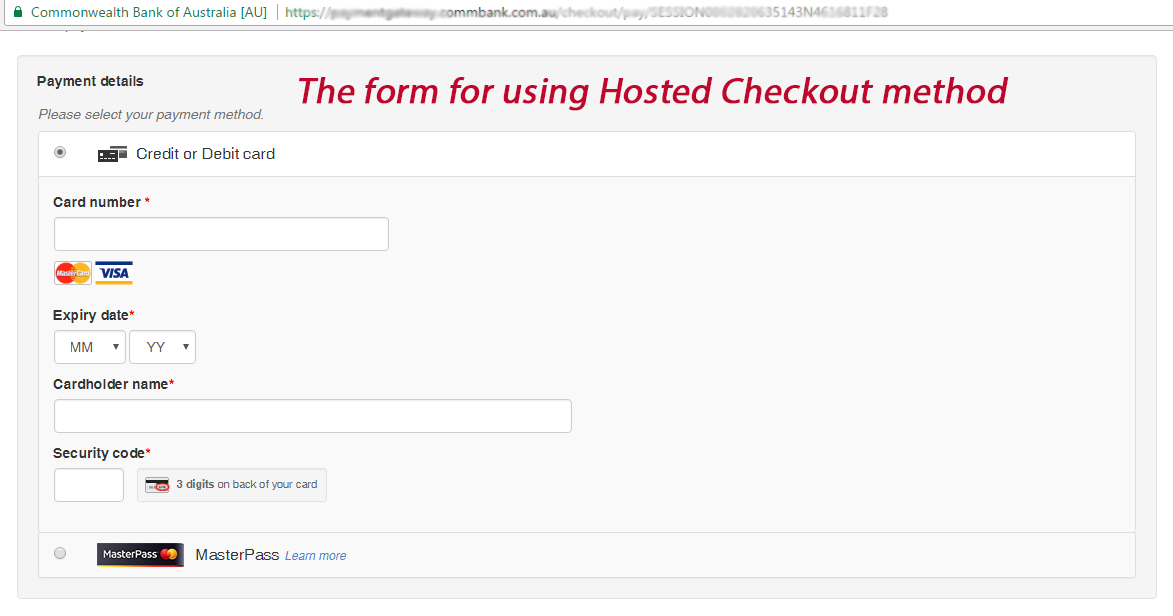
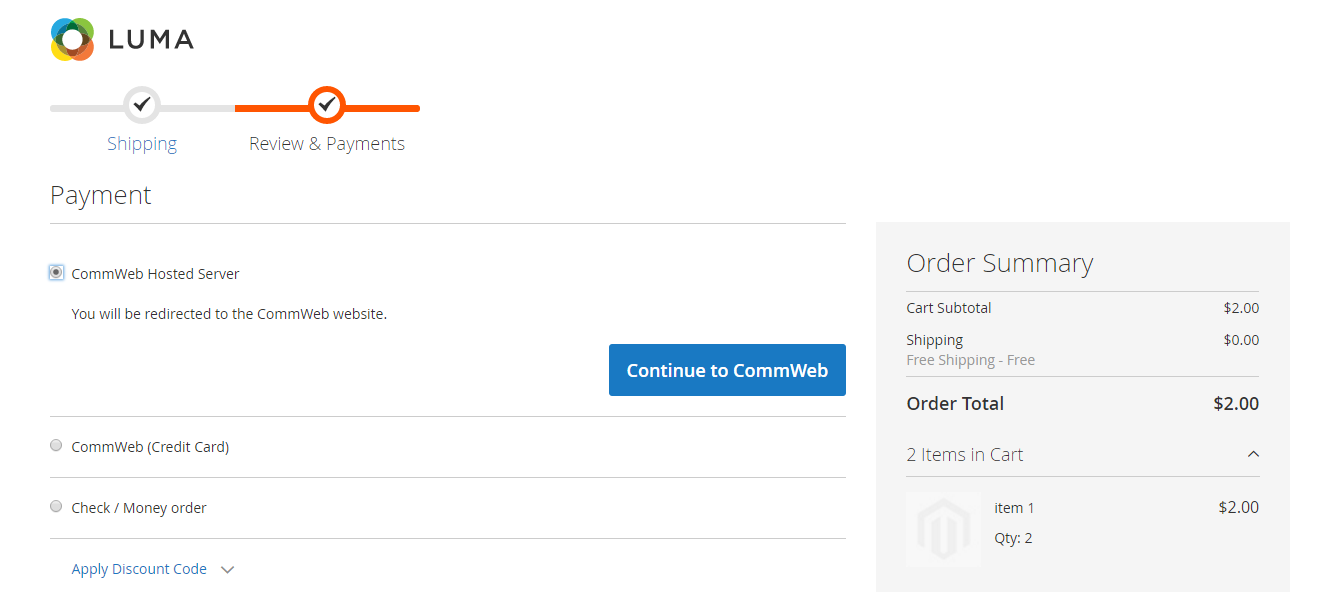
CommWeb (Hosted Checkout):
Redirect your customers to a secure payment form during checkout. Once they’ve completed the payment, they will be redirected back to your site.
Key Features
- Support all CommWeb merchants based on MPGS (MasterCard Payment Gateway Services)
- Support 3D-Secure V1, 3D-Secure V2 (EMV 3D Secure) - for Hosted Payment
- Support Credit/Debit Cards
- Secure Checkout Process
- Encrypted the payment credentials
- Capture New Sales
- Authorize and Capture
- Refund Online
- Create Invoice Automatically
- Support SSL Certificate
- Support multiple websites
- Support multiple store views
- Support multiple currencies
- Unlimited domains.
Developed by Linh Pham, Magento Extension Developer at Polacin.
Installation
Create folder structure inside the Magento main folder: app/code/PL/Mpgs/
Extract module files into that folder and execute the following commands:
php bin/magento setup:upgrade
php bin/magento setup:static-content:deploy -f
php bin/magento cache:clean
Example

Verify whether the module has been successfully installed. Log in to Magento Admin dashboard and go to Stores > Configuration > Sales > Payment Methods. Settings of the Commonwealth Bank (CommWeb MPGS) module should be there under the name "CommWeb (Direct Payment)" or "CommWeb (Hosted Checkout)"
Configuration steps
Please follow these steps to configure the module:
- Login to Magento Admin dashboard
- Go to Stores > Configuration > Sales > Payment Methods
- Expand OTHER PAYMENT METHODS, then CommWeb - (Direct Payment) or CommWeb - (Hosted Checkout)
- Fill in configuration details as described below
- Click Save Config to store the configuration.
- Follow Magento instructions and clean application cache, to make sure that the new payment method is immediately available in your online store.
Configuration details
- Enabled: should be set to YES to make CommWeb - (Direct Payment) or CommWeb - (Hosted Checkout) available as a payment method on the checkout page
- Title: Name of the payment method displayed on the checkout page
- Merchant Name:
- Merchant ID:
- API Password:
- Gateway Url:
- Debug: Set the option to YES if you want all communication between Magento and the Gateway to be logged into the var/log/pl/mpgs.log file. It usually uses for the Developer to troubleshoot problems if the Payment Method doesn't work.
- Payment Action: determines when the buyer's card will be charged. If you select Payment, the card will be charged immediately. If you select Authorization, the payment will be verified and authorized, but no money will be charged yet. Only when you issue an invoice for the received order will the card be charged.
- Payment from Applicable Countries: countries from which customers are allowed in your online store
- Payment from Specific Countries: This option is available if Payment from Applicable Countries option is set to the Specific Countries mode. It's possible to choose a few countries for whose the Payment Method will be available. The billing address is used to identify the country on the Checkout Page
Test Environment
In case you need to see the live demo of Commonwealth Bank (ComWeb MPGS) - Magento 2 extension, please feel free to contact us or sales@polacin.com
Test credit card numbers
Visa 4005550000000019 - 01/39
MasterCard 5123450000000008 - 01/39
MasterCard 2223000000000007 - 01/39
The test environment approves and declines transactions based on the penny value of the amount sent. For example, a transaction made for the amount of $9.00 or $1.00 is approved because of the .00 penny value
Release Notes
Version 3.1.1 – June 30, 2026
- Compatible with API Version 100 or later.
- Upgraded Hosted Checkout to Magento 2 Gateway Framework and Service Contracts for a next-gen, headless-ready architecture.
- Implemented advanced dynamic transaction tracking to effortlessly capture precise transaction IDs across complex 3DS2 multi-authentication layers.
- Introduced automated deep-lifecycle management to instantly void pending invoices, trigger native order cancellations, and auto-restore stock on successful voids.
- Engineered an optimized data-saving pipeline to eliminate duplicate order history logging and prevent data collision.
- Performance boost: Completely eliminated transactional lag, ensuring an ultra-smooth checkout and backend administration experience.
Version 2.3.0 – June 21, 2024
- Compatible with CommWeb API version 80 or later
- Added CSP whitelist
- Fixed maximum characters of the address fields
- Fixed PHP deprecated functionality
- Fixed bugs on PHP 8.2
Version 2.1.1 – August 12, 2022
- Compatible with API Version 63 or later
Version 2.1.0 – July 12, 2022
- Added notification when the new version is available
- Show error message if payment configuration is incorrect
- Stability improvements.
Version 2.0.8 – September 3, 2021
- Added parameters for Direct Payment.
Version 2.0.7 – May 30, 2021
- Added Authorize and Refund Online for Direct Payment and Hosted Checkout.
- Stability improvements.
Version 2.0.6 – December 16, 2020
- Compatible with API Version 56 or later
- Renamed module name
Version 2.0.5 – March 19, 2020
- Stability improvements.
- Bugs fixed for Hosted Checkout with Magento 2.3.4
Version 2.0.4 – April 19, 2019
- Stability improvements.
- Encrypted API password.
Version 2.0.3 – February 20, 2019
- Fixed Offline Refund issue for Hosted Checkout Payment
Version 2.0.2 – October 22, 2018
- Bug fixes and stability improvements.
- Added [order.reference]
- Fixed Total Due Issue
Version 2.0.1 – March 20, 2017
- Stable version.
FAQs
Does this extension support Magento 2 REST API?
YES, our MPGS extension fully supports Magento 2 REST API. It includes dedicated API endpoints for:
- Generating the MPGS Session ID (for Hosted Checkout integrations on mobile apps or PWA frontends).
- Handling asynchronous Webhooks (Merchant Notifications) to ensure real-time order status updates.
- Generating the MPGS Session ID (for Hosted Checkout integrations on mobile apps or PWA frontends).
- Handling asynchronous Webhooks (Merchant Notifications) to ensure real-time order status updates.
Customer Reviews


-
Brilliant module
This works very well and the support is excellent. I bought the Commweb module and they installed it for me. The module is only as good as the support you get with them and the support from the developers of this extension makes this easily a 5 star.Review by Hamza (Posted on 9/11/2017) -
Good Support for this extension
Thank you Linh for helping me to install the CommWeb Magento 2 extension. It's working properly. Fully recommend this product.Review by James Abeby (Posted on 9/7/2017) -
Support has been great!
The Support for this extension has been great! We had some installation issues with the extension, after reaching out to Linh the issues have been resolved.Review by Bryan Leask (Posted on 2/20/2017) -
How A Beautiful Job
Deep in my heart I want to say thanks to Polacin team for all of your MAGIC EXTENSION and HIGH SPEED SUPPORT , you make my task become much easier and more smooth working. Wish you all the best in the new year.Review by Jack Lee (Posted on 1/4/2017) -
Wonderful Extension
Thanks Polacin for what have you done with this extension. This extension comes to me right time and right place, I mean this is perfect solution for my business. Well done Polacin! Wish you team have a happy holiday and hope can work with you next time.Review by Steve Cole (Posted on 12/17/2016) -
Excellent extension - works like a charm and great support
Really great extension. Works right and great support from Polacin team. Glad I was able to use this one without any issues. Probably will upgrade in the future. Thank you!!!Review by DIGITAL MARKETING AND SOLUTIONS PTY LTD (Posted on 11/3/2016) -
Great extension that works really well
There was a little fiddly to set up but great support from the team got me there in the end and now working perfectly. ThanksReview by Matt Stanyon (Posted on 10/31/2016) -
Perfect Extension and Great Support
I am so happy with the Commweb Extension. It is easy to install. The support is supper fast and helpful. My website gets it running just few hours after purchasing the extension. Thanks heap to Linh for the supports. Strongly recommended.Review by Don - PT Gifts and Awards (Posted on 9/16/2016) -
Awesome Customer Service
They were more then happy to set up a Skype session and we were able to get it all sorted out. They even went as far as to do some custom programming help too. Great tech support. Thank you Linh for the helpReview by Mark Aldridge (Posted on 9/6/2016) -
It's perfect
This extension works exactly what I wanted. The support is very quickly and helpful.Review by Thomas Bacskai (Posted on 8/23/2016)
