
Pin Payments - M1
Screenshots

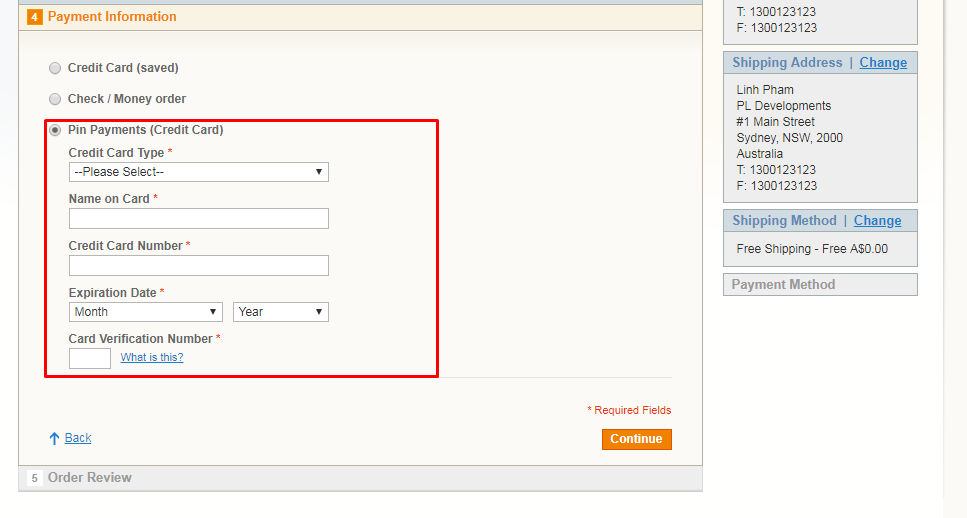



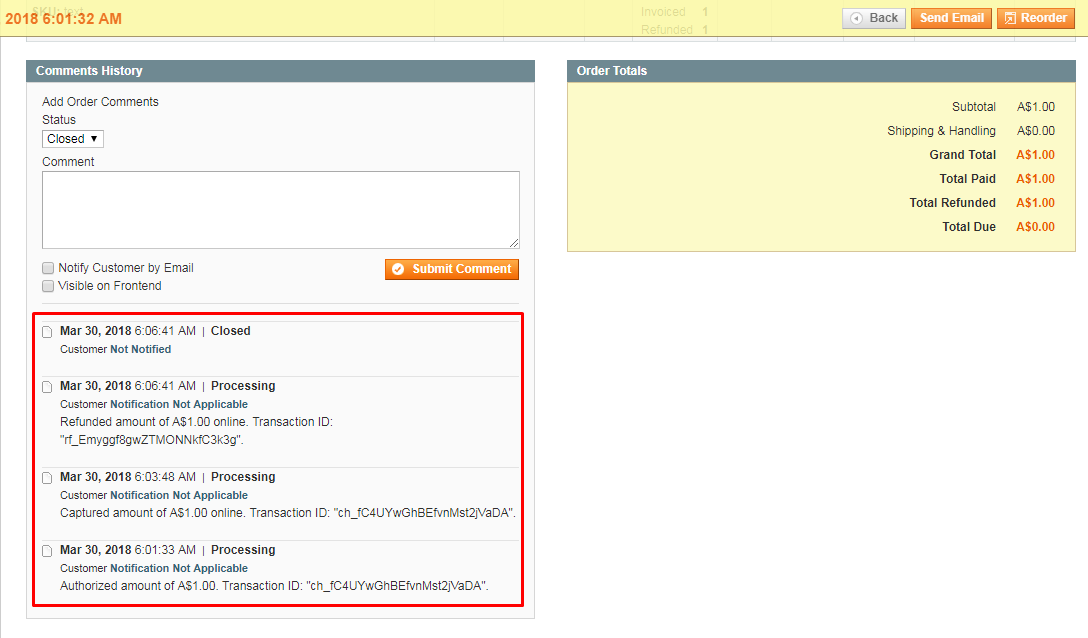


Key Benefits
Overview
Pin Payments is Australia’s first all-in-one multi-currency online payment system, designed to bring the banks’ traditional merchant services up to date with today’s technology. Australian businesses can sign-up to Pin Payments and have everything they need to accept card payments online. No merchant account is required, customers can be charged in all major currencies and an account can be activated same business day.
Learn more about Pin Payments -> https://pin.net.au/
Purchases using this module result in the credit card data not touching the merchant's servers. Card data is encrypted and sent over a secure connection from the card holders device (computer/phone/tablet) directly to the Pin Payments servers, bypassing the merchant's website. This assists with PCI-DSS compliance for the merchant.
Note: Currently only Australian merchants are able to apply for a Pin Payments account.
Installation
1) VERY IMPORTANT! go to admin panel -> System -> Tools -> Compilation and make sure that Compiler Status is disabled. If it's not, please change it to disabled. If you plan to use the compilation after installing the extension, please click 'Run Compilation Process' button after you complete the extension installation.
2) copy files from pl-pinpayments-m1 folder to the magento root folder (It looks like app/code/local/PL/Pinpayments)
3) log in as admin and refresh all caches (System > Cache Management)
4) log out of admin panel and log in back. This is needed for Magento to update access permissions.
Installation is completed.
Troubleshooting
If you will have any issues with the extension, please disable the extension the following way:
1. Open file app/etc/modules/PL_Pinpayments.xml, find this line of code:
<active>true</active>
and change it to:
<active>false</active>
2. log in as admin and refresh all caches (System > Cache Management)
Test Environment
Test Cards
The following cards can be used with the test API to simulate various success and error scenarios.
Successful Response
Visa 4200000000000000
MasterCard 5520000000000000
American Express 372000000000000
Card Declined
Visa 4100000000000001
MasterCard 5560000000000001
American Express 371000000000001
Release Notes
Version 2.0.1
Stable version. Released on March 30 2018
Related Products
-

Pin Payments (3D Secure) - Magento 2
Free Download -

eWay Transparent Redirect - Magento 2
Free Download
