
Al Rajhi Bank Payment Gateway - Magento 2
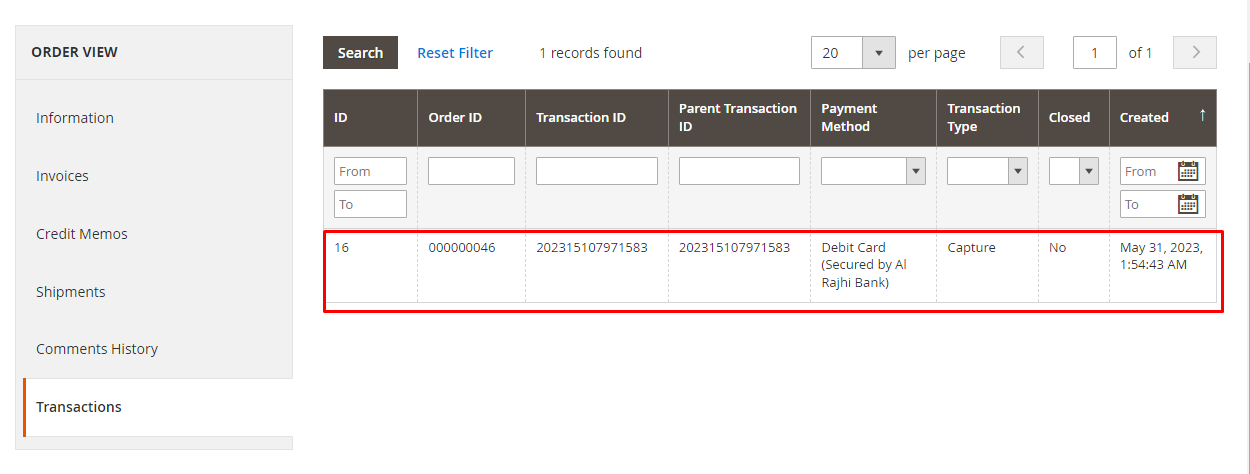
Screenshots


Key Benefits
Overview
Al Rajhi Bank Payment Gateway - Magento 2 is an online payment solution that can be integrated with Magento 2 eCommerce store. The gateway allows store owners from Saudi Arabia and other regions to accept online payments from debit card users (Debit cards in Saudi Arabia).
Al Rajhi Payment Gateway accepts all the debit cards issued by the member banks of Saudi Arabia.
How to use
In order to use this extension, you must have an Al Rajhi Bank merchant account and login credentials for merchant's portal https://digitalpayments.alrajhibank.com.sa/mrchptl/merchant.htm
How it works
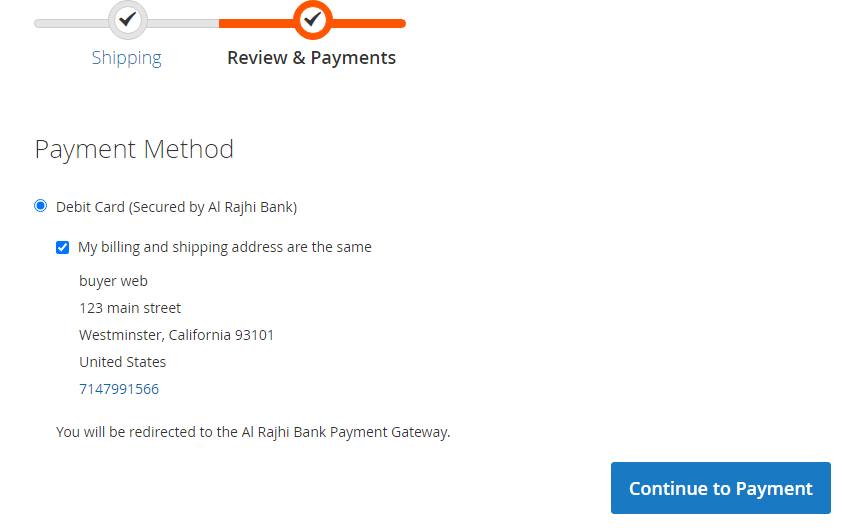
It directs your customers to a secure payment form during the checkout process. Once they’ve paid, they’ll be redirected back to your website.
Workflow: Checkout page -> Redirect to Al Rajhi Bank payment gateway -> Return Merchant's website and create the order if transaction is successful.
It doesn't create order if transaction is unsuccessful.
Features of Al Rajhi Bank Payment Gateway - Magento 2
- Accepted Debit Cards.
- Accepted Saudi Riyal (SAR).
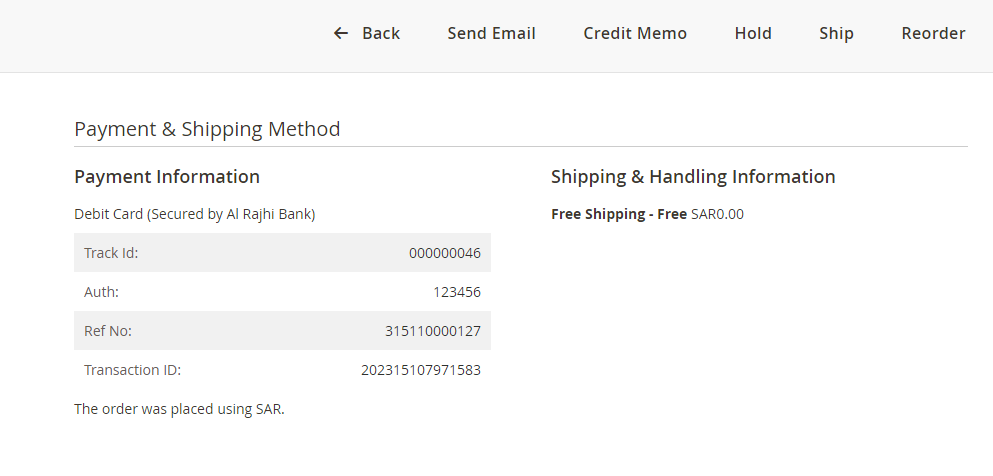
- Only create order if transaction is successful. Pending Orders will not be created, therefore the quantity in stock will not be affected.
- Keep items in the cart after clicking the back button of the browser from the payment gateway website. This helps customers change the quantity or item in their cart.
- Hosted payments for security.
- Capture new sales, capture secured online payments.
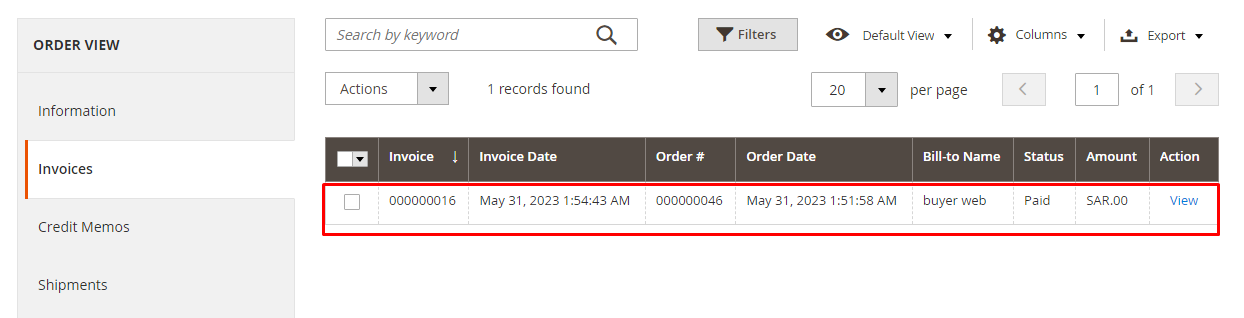
- Create invoice automatically.
- Allow setting Payment Language.
- Refund Offline.
- Support many local banks.
- Process transactions in real-time.
- Support multiple stores.
- Unlimited domain and website.
- Test and Live mode Options.
- Secured by Al Rajhi Bank.
Installation
Extract the file into app/code/PL/Alrajhi/
From a terminal, run the following commands:
php bin/magento setup:upgrade
php bin/magento setup:static-content:deploy -f
php bin/magento cache:clean
Example

Release Notes
Version 2.1.0
Released on June 5, 2023
Related Products
-

Mastercard Payment Gateway Services (MPGS) - Magento 2
Free Download
