
BenefitPay - Credimax MaxWallet - Magento 2
Screenshots
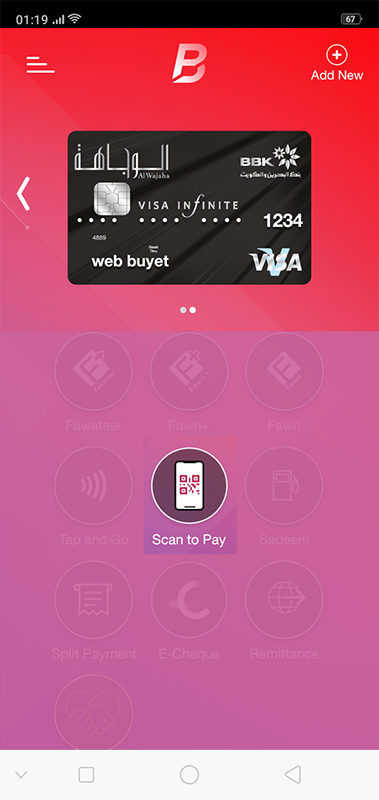
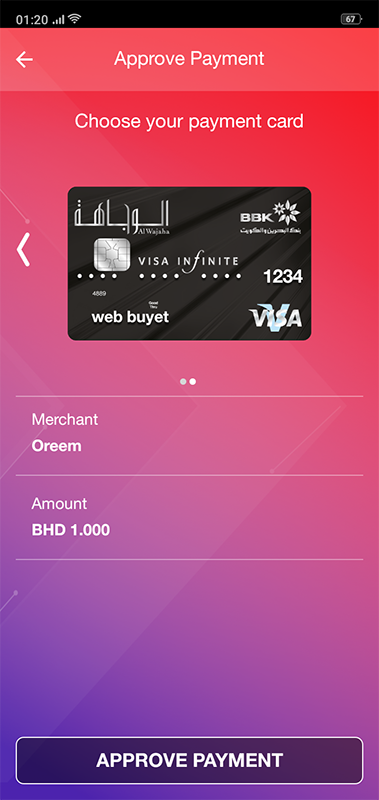
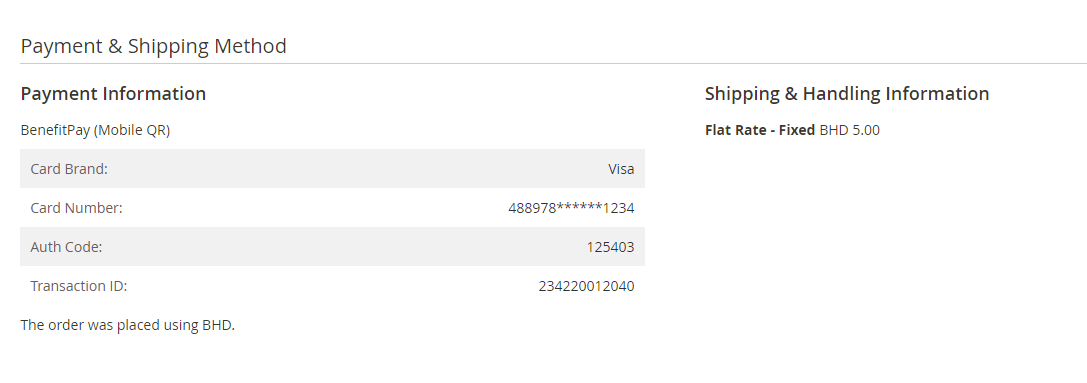

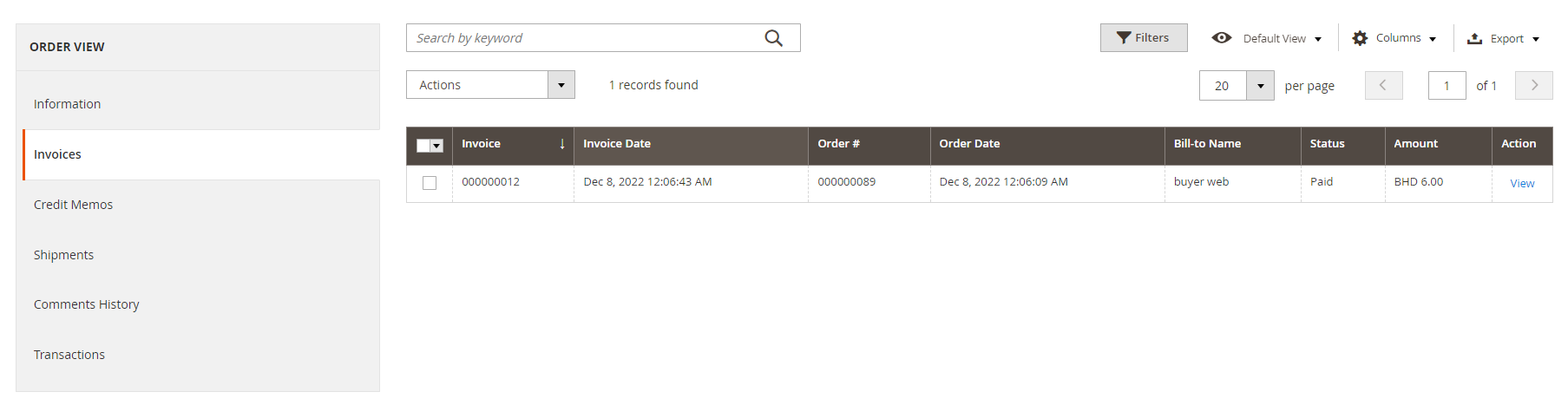
Key Benefits
Overview
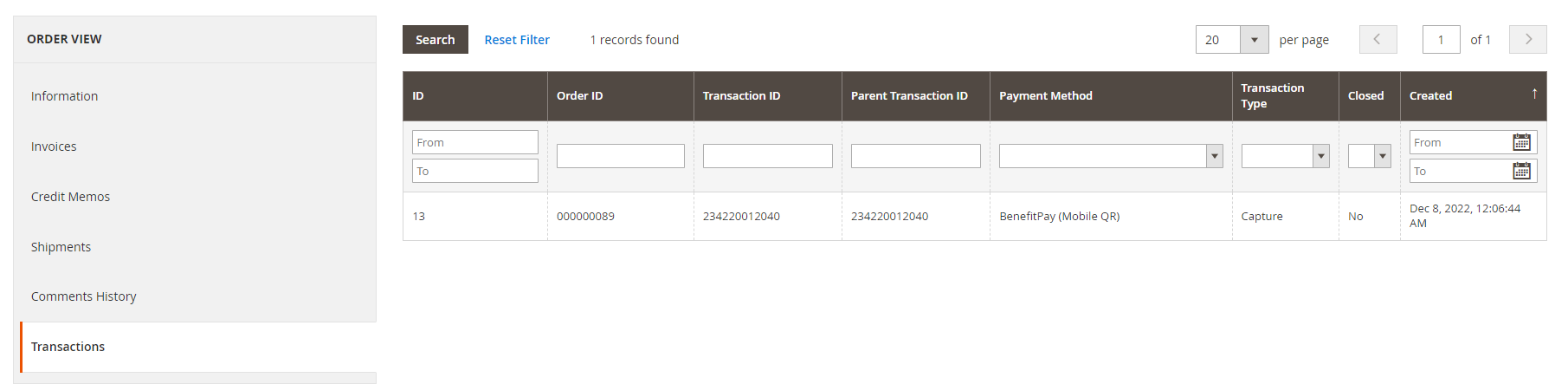
Magento 2 BenefitPay - Credimax MaxWallet extension is an online payment solution that can be used to process e-Wallet payments within BENEFIT Pay accounts using Bahrain debit cards.
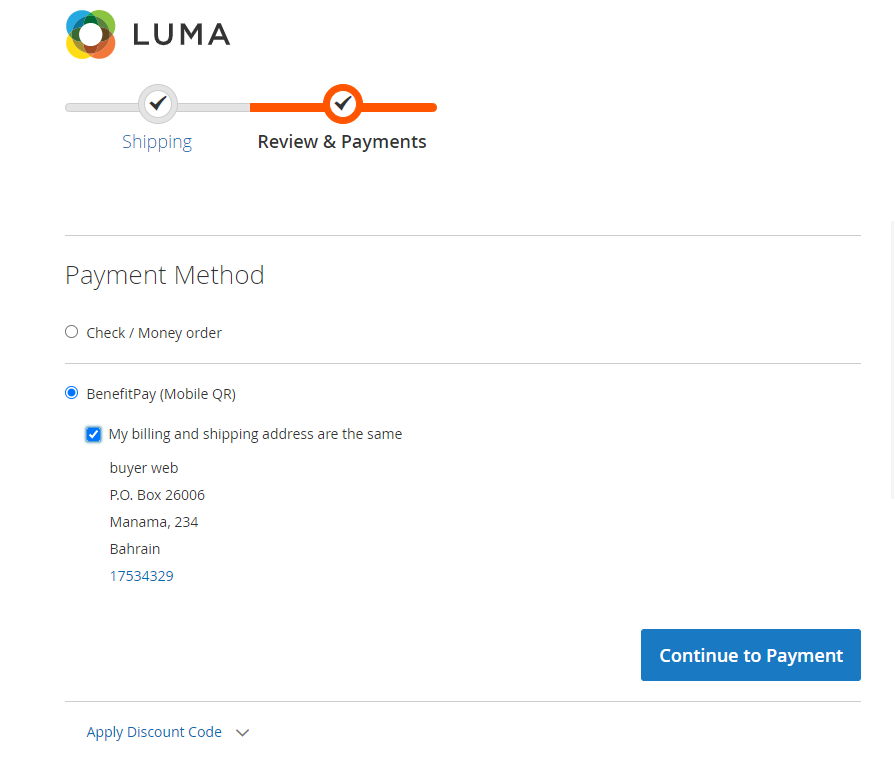
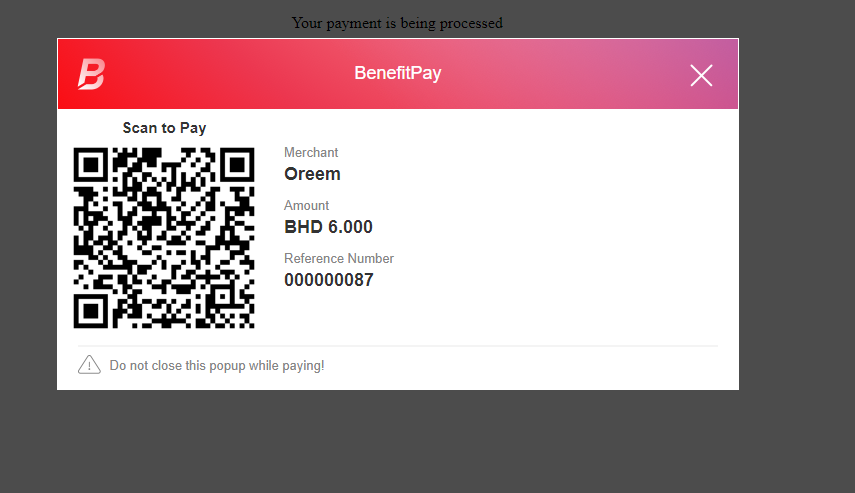
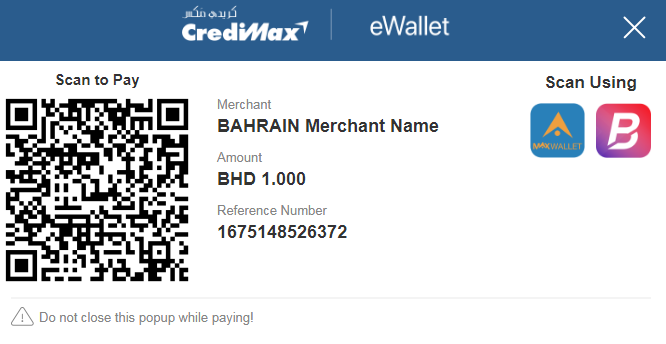
The extension is for the Magento 2 website; it allows your customers to use QR Code Scanning Technology, scan to pay via QR, then redirect back to your confirmation page once successful.
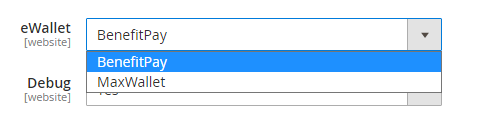
The extension can be used for both BenefitPay Wallet and CrediMax MaxWallet
Features
- Accepted Bahrain Debit Cards
- Accepted Bahraini dinar (BHD)
- Scan to Pay via QR
- Capture new sales
- Create invoice automatically
- Refund Offline
- Supported many local banks
- Process transactions in real-time
- Supported multiple stores
- Unlimited domain and website
- Secured by BENEFIT PG or CrediMax
Requirements
In order to use the extension, you need to have an e-Wallet provided by BENEFIT or CrediMax MaxWallet , they will give you the credentials and mobile app. You can find out more features of BenefitPay e-Wallet at https://benefit.bh/personal/benefitpay/
About BenefitPay
BenefitPay is an app that caters to your need for safe and seamless transactions without the use of cash or cards. Through this form of payment, transactions can be sent or received quickly, just by using your phone. It’s a safe, secure, and very convenient mode of payment.
Participated local banks
- Ahli United Bank
- Al Baraka Bank
- Al Salam Bank
- Arab Bank
- Bahrain Islamic Bank
- Bahrain Saudi Bank
- BMI Bank
- Bank of Bahrain and Kuwait
- Citibank
- Credit Libanais
- Eskan Bank
- Future Bank
- Habib Bank
- ICICI Bank
- Ithmaar Bank
- Khaleeji Commercial Bank
- Kuwait Finance House
- Mashreq Bank
- National Bank of Abu Dhabi
- National Bank of Bahrain
- National Bank of Kuwait
- Standard Chartered Bank
- State Bank of India
- The Housing Bank for Trade & Finance
- United Bank Limited
Installation
Extract the file into app/code/PL/BenefitPay/
From a terminal, run the following commands:
php bin/magento setup:upgrade
php bin/magento setup:static-content:deploy -f
php bin/magento cache:clean
Test Environment
To download the test user application:
Once you register into your test wallet. Please add the following cards:
4600 41## #### #### Approved
Declined cards (Add at least one):
4889 78## #### #### Limit exceeded
4415 55## #### #### Insufficient funds
4575 55## #### #### Refer to Issuer
4845 55## #### #### Invalid pin
4895 55## #### #### Please contact issuer
Please replace the # with random numbers, and ensure that your card number length is 16 digits, and enter any name, expiry date, and pin code to add the cards into your test wallet.
Release Notes
Version 1.0.0
- Initial version. Released on December 8, 2022.
Related Products
-

BENEFIT Payment Gateway - Magento 2
Free Download
