
M-PAiSA Payment Gateway (Vodafone Fiji) - Magento 2
Screenshots

Key Benefits
Overview
M-PAiSA Payment Gateway - Magento 2 is available for websites based in Fiji. The M-PAiSA payments platform shall allow for customers to be able to carry out cashless transactions.
The M-PAiSA payments interface aims to provide a much more convenient and safer method to make purchases and payments.
M-PAiSA Payment Gateway is a modern payment channel that is sure to excite tech-savvy customers.
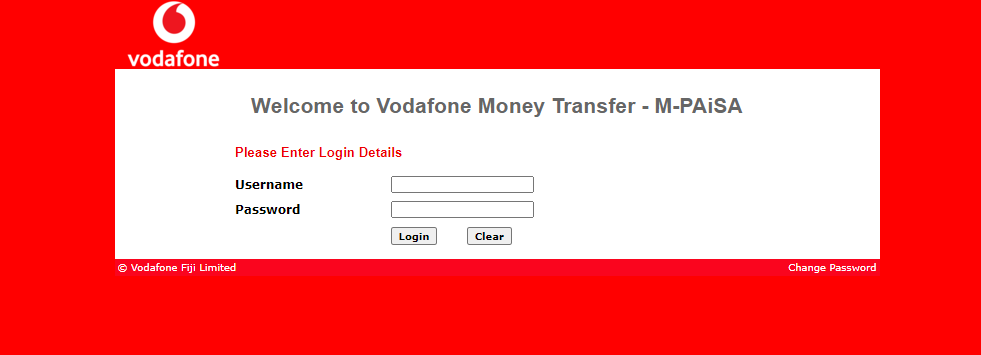
To use the M-PAiSA Payment Gateway Magento 2 extension you must have M-Paisa account. The login link is for Vodafone Money Transfer - M-PAiSA merchant.
To use M-PAiSA Payment Gateway, you need to register and open your M-PAiSA account with a balance of FJD $0.00. If your number is yet to be registered for M-PAiSA, you can visit any of the Vodafone Retail outlets or Authorized M-PAiSA Agent outlets with your mobile phone to register as an M-PAiSA customer. Once you have registered, you can use the M-PAiSA App to make payments and carry out cashless transactions.
Feature of M-PAiSA Payment Gateway (Vodafone Fiji) - Magento 2
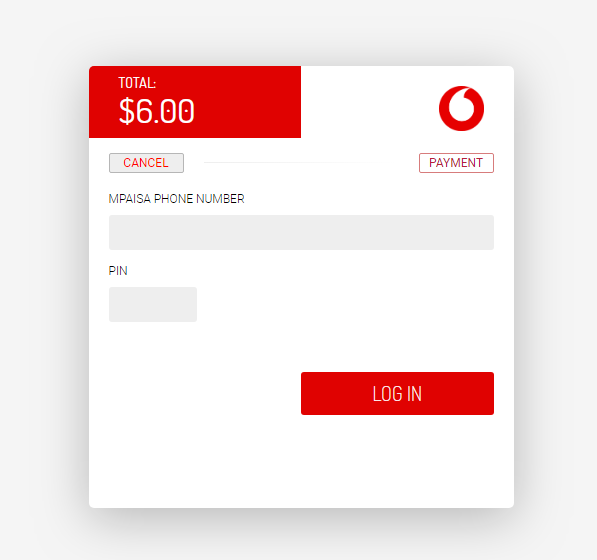
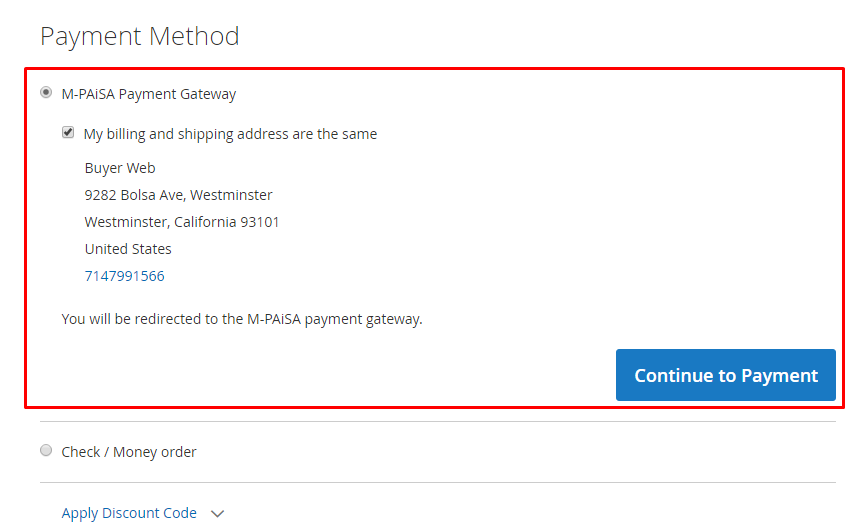
- Redirect to the M-PAiSA payment gateway website for phone number and pin entry, then redirect back to your checkout success page once successful transaction.
- Support Fijian Dollar (FJD)
- Capture new sales
- Refund Offline
- Encrypted the credentials payment
- Secure Checkout Process and verify PIN once processing the transactions
- Select the countries to allow using M-Paisa payment method in Magento 2.
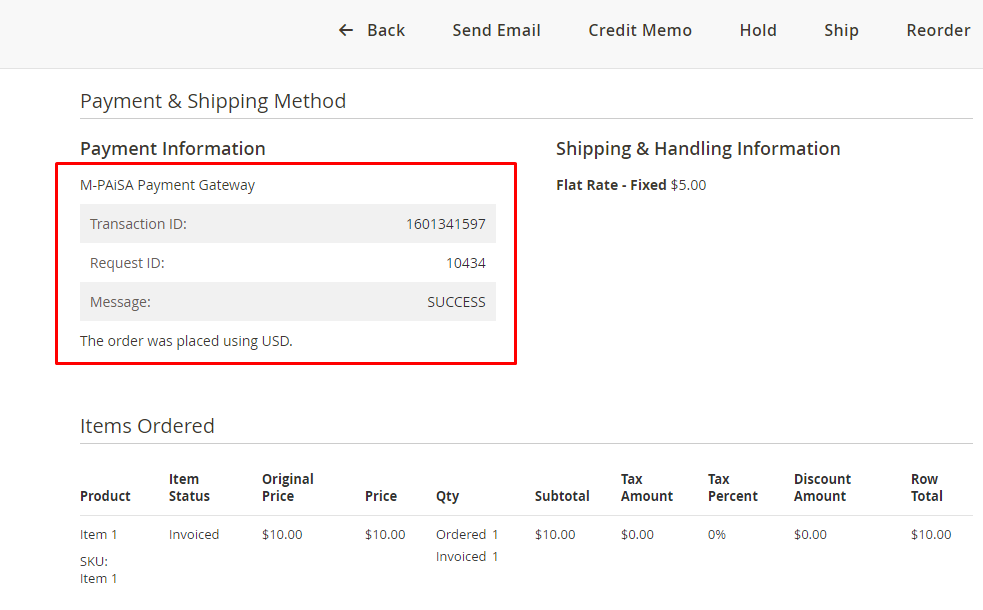
- The customers can see the M-Paisa payment details in their "My Account" section in the frontend
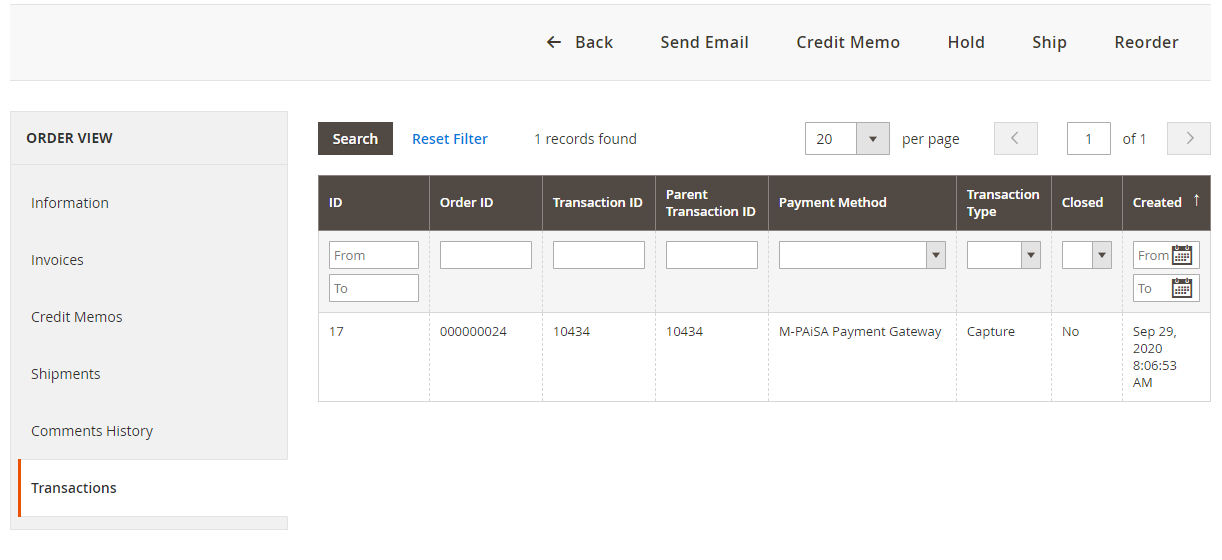
- The admin can check the customers' M-Paisa payment details from the order view sales in the backend
- Support multiple Stores and Websites
- Enable/disable debug mode
- Allow the sandbox mode to test the functionality
- Unlimited domains
Installation
Create folder structure inside the Magento main folder: app/code/PL/Mpaisa/
Extract module files into that folder and execute the following commands:
php bin/magento setup:upgrade
php bin/magento setup:static-content:deploy -f
php bin/magento cache:clean
Example

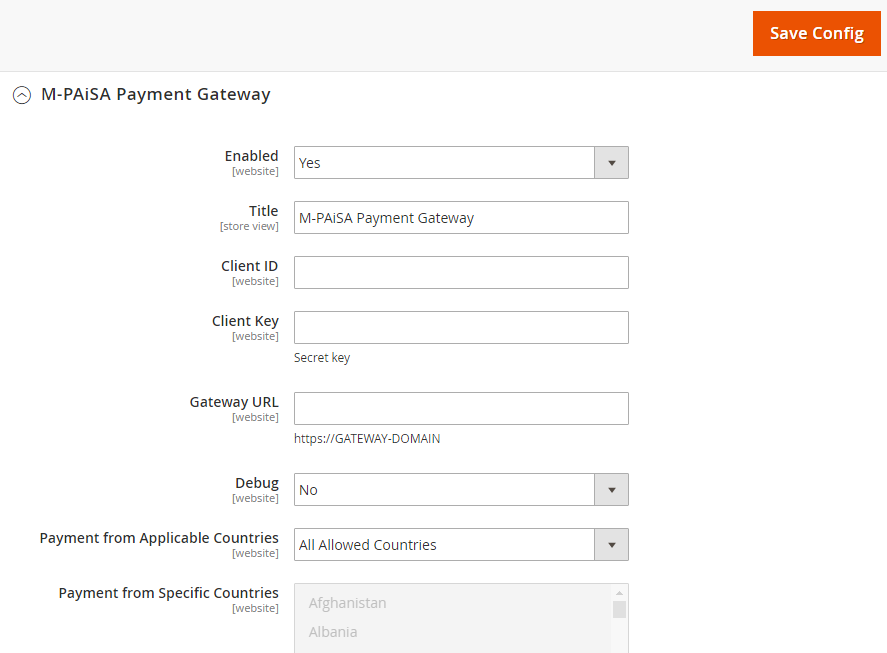
Verify whether the module has been successfully installed. Log in to Magento Admin dashboard and go to Stores > Configuration > Sales > Payment Methods. Settings of the M-PAiSA Payment Gateway module should be there under the name "M-PAiSA Payment Gateway"
Configuration steps
Please follow these steps to configure the module:
- Login to Magento Admin dashboard
- Go to Stores > Configuration > Sales > Payment Methods
- Expand OTHER PAYMENT METHODS, then M-PAiSA Payment Gateway
- Fill in configuration details as described below
- Click Save Config to store the configuration.
- Follow Magento instructions and clean application cache, to make sure that the new payment method is immediately available in your online store
Configuration details
- Enabled: should be set to YES to make M-PAiSA Payment Gateway available as a payment method on the checkout page.
- Title: Name of the payment method displayed on the checkout page
- Client ID: It's prodived by M-PAiSA
- Client Key: It's prodived by M-PAiSA
- Gateway URL: Put sandbox or live endpoint API URL
- Debug: Set the option to YES if you want all communication between Magento and the Gateway to be logged into the var/log/pl/mpaisa.log file. It usually uses for the Developer to troubleshoot problems if the Payment Method doesn't work.
- Payment from Applicable Countries: countries from which customers are allowed in your online store
- Payment from Specific Countries: This option is available if Payment from Applicable Countries option is set to the Specific Countries mode. It's possible to choose a few countries for whose the Payment Method will be available. The billing address is used to identify the country on the Checkout Page
Release Notes
Version 2.0.4
Released on July 13, 2022
- Added notification when the new version is available
Version 2.0.3
Released on March 17, 2021
- Fixed js scripts.
- Stability improvements.
Version 2.0.2
Released on January 26, 2021
- Fixed API Endpoint for live mode
Version 2.0.1
Stable version. Released on September 29, 2020
Customer Reviews
-
excellent done with my payment method
excellent done with my payment methodReview by holly (Posted on 3/22/2024)
Related Products
-

NAB Transact Magento 2 Payment Gateway Extension
Regular Price:
Special Price
-

Commonwealth Bank (CommWeb MPGS) - Magento 2
Free Download -

ANZ eGate MiGS VAS - Magento 2
Free Download

