
Payzone Payment - M1
Screenshots





Key Benefits
Overview
Payzone Payment - Magento 1 extension lets you take secure credit card payments through your Magento ver 1.x website.
For more information: https://www.payzone.co.uk/
The extension included 2 methods:
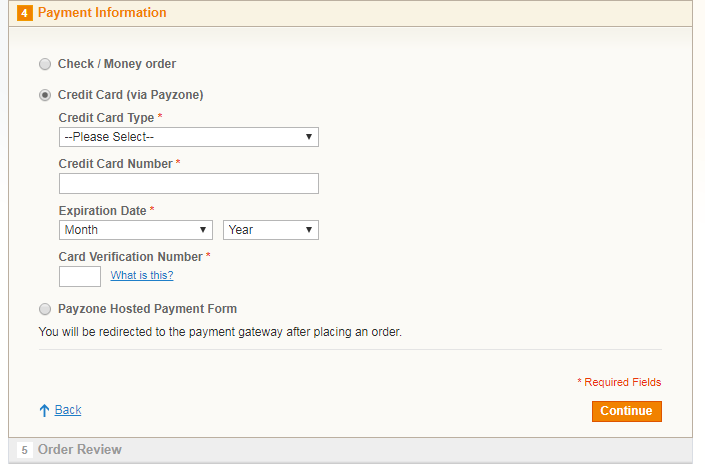
- Payzone Direct API Integration: Keep your customer on your site during the entire checkout process.
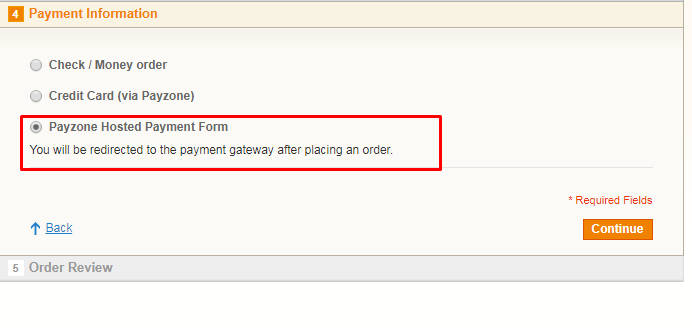
- Payzone Hosted Payment Form Integration: Direct your customer to a secure payment form during the checkout process. Once they’ve paid, they’ll be redirected back to your site.
Feature
Accepted credit cards: Visa, Visa Debit (Delta), Maestro, MasterCard, Visa Electron, Solo, American Express, JCB.
Support 3D-Secure
Capture New Sales
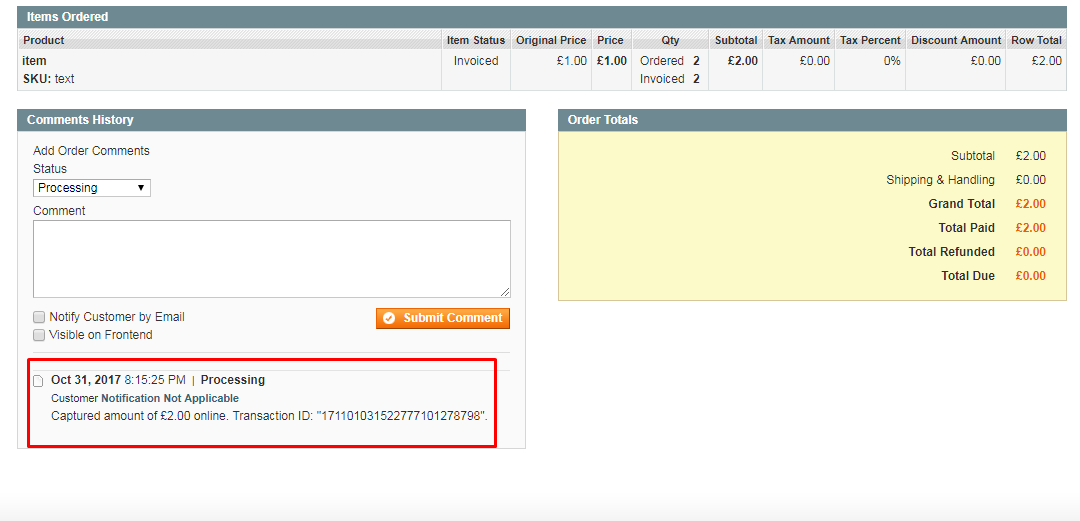
Create Invoice Automatically
Suppport Currencies: USD, GBP, EUR
Support Multiple Stores
Installation
1) VERY IMPORTANT! go to admin panel -> System -> Tools -> Compilation and make sure that Compiler Status is disabled. If it's not, please change it to disabled. If you plan to use the compilation after installing the extension, please click 'Run Compilation Process' button after you complete the extension installation.
2) copy files from pl-payzone-m1 folder to the magento root folder
3) log in as admin and refresh all caches (System > Cache Management)
4) log out of admin panel and log in back. This is needed for Magento to update access permissions.
Installation is completed.
Troubleshooting
If you will have any issues with the extension, please disable the extension the following way:
1. Open file app/etc/modules/PL_Payzone.xml, find this line of code:
<active>true</active>
and change it to:
<active>false</active>
2. log in as admin and refresh all caches (System > Cache Management)
Release Notes
Version 2.0.1
Stable version. Released on November 1, 2017
Related Products
-
 Free Download
 -

HSBC Bank Payment Gateway - Magento 2
Free Download -

Stripe (3D-Secure) Payment - Magento 2
Free Download
